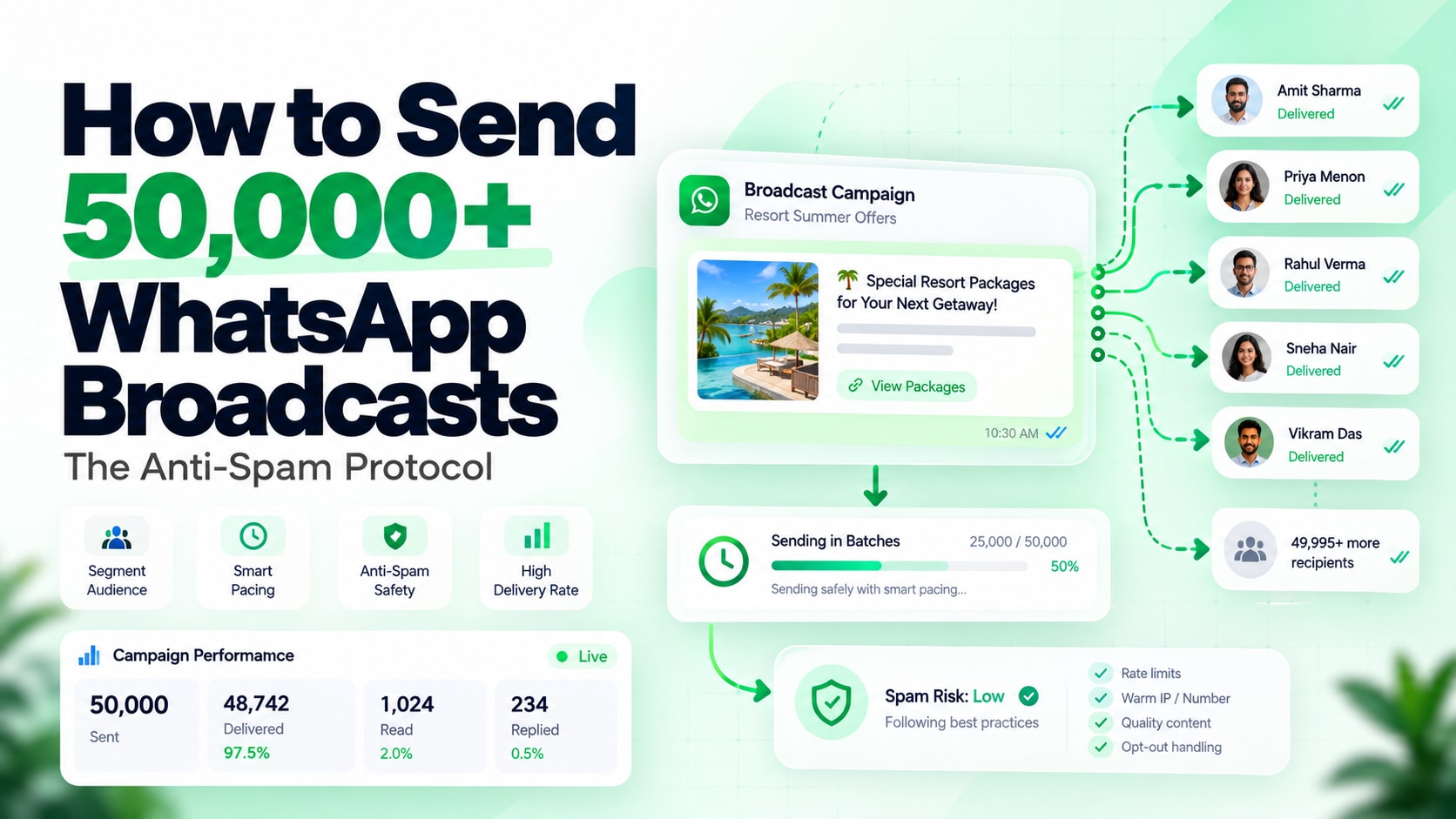
How to Send 50,000+ WhatsApp Broadcast Messages Without Getting Banned: The Anti-Spam Protocol
To legally send 50,000+ WhatsApp broadcast messages without account suspension, businesses must migrate from unofficial scraping tools or standard Business apps to the official Meta Cloud API, warm up recipient tiers over 14 days, enforce message pacing between 20 to 50 messages per second, and include an automated, one-tap "STOP" opt-out mechanism that immediately unsubscribes recipients before they click Meta's "Report & Block" button.
Every growth marketer knows the unmatched power of WhatsApp messaging: open rates above 95% and click-through rates that leave email in the dust. But scaling broadcast volume carries a severe operational risk: Meta's automated phone number restriction.
If you attempt to broadcast 10,000 or 50,000 messages through unofficial web extensions, rooted emulator tools, or even unthrottled Business API accounts, your phone number will drop from High Quality (Green) to Low Quality (Red) within minutes. Once blocked, getting your business line reinstated is grueling.
Here is the battle-tested Anti-Spam Broadcast Protocol used by top retail brands and SaaS platforms to safely deliver hundreds of thousands of conversational marketing campaigns every month.
1. Unofficial Scraping Tools vs Official Meta Cloud API
Before discussing delivery tactics, understand Meta's detection perimeter:
- Unofficial Chrome Extensions / Bulk Sender Scripts: These simulate browser keystrokes via WhatsApp Web. Meta's heuristic engines detect abnormal packet sequences, repetitive DOM manipulation, and unnatural socket frequencies. Numbers running on unofficial tools are routinely flagged and permanently banned within 24 to 48 hours.
- Official WhatsApp Cloud API: Direct server-to-server webhook connection with Meta data centers. You are allocated official throughput limits and clear tier escalation guidelines, allowing authorized broadcast scaling with zero risk of catastrophic ban.
If your business still relies on the mobile application for manual replies while needing high-volume API broadcasts, enable WhatsApp Coexistence mode so your support reps keep the mobile app active on the exact same registered business phone number.
2. The 4 Official Messaging Limit Tiers
Meta controls account broadcast volume through 24-hour rolling conversation tiers:
| Tier Level | 24-Hour Unique User Limit | Upgrade Requirement |
|---|---|---|
| Tier 1 (Default) | 1,000 unique customers | Complete Meta Business Verification |
| Tier 2 | 10,000 unique customers | Send 500+ messages at High Quality within 7 days |
| Tier 3 | 100,000 unique customers | Send 5,000+ messages at High Quality within 7 days |
| Tier 4 | Unlimited unique customers | Maintain Green health across sustained high volume |
Note: The tier limit applies exclusively to business-initiated conversations (marketing templates, utility updates). When customers message you first—such as clicking on Click-to-WhatsApp Ads—it counts as a user-initiated conversation and does not deplete your outbound broadcast tier allowance.
3. The 4 Pillars of the Anti-Spam Protocol
Pillar 1: Dynamic Message Pacing (20 to 50 msgs/second)
Never burst 50,000 messages in a single second. Sending bulk webhooks simultaneously causes transient network queue timeouts and alerts Meta's anomaly detectors. On Wuubiz, broadcast campaigns utilize adaptive pacing queues, staggering message dispatch smoothly across 15 to 45 minutes depending on audience size.
Pillar 2: Mandatory "STOP" Quick-Reply Button
When a recipient receives an unwanted promotional message, they have two options:
- Click WhatsApp's native Report & Block button.
- Tap a friendly Unsubscribe / STOP button inside the message.
If even 1% to 2% of recipients choose "Report & Block", your Quality Rating drops immediately to Red, causing Meta to slash your messaging limit. By including an interactive Quick-Reply button titled "Unsubscribe" or "STOP PROMOS", recipients tap the button instead of reporting you. Your automation tags the contact as unsubscribed instantly, safeguarding your phone number health.
Pillar 3: RFM Audience Segmentation (Never Blast Unsegmented Cold Lists)
Divide your broadcast lists into 3 distinct engagement cohorts:
- VIP / Highly Active (Interacted within 30 days): Send first. These contacts open and reply within minutes, feeding high positive engagement signals to Meta.
- Warm (Purchased or signed up within 90 days): Send second after positive signals are logged.
- Cold / Inactive (>90 days): Re-engage with gentle, high-value utility alerts rather than aggressive sales pitches.
Pillar 4: Eliminating Unnecessary Per-Message Broker Markups
When broadcasting 50,000 messages, traditional WhatsApp BSPs tack on an extra 15% to 30% surcharge on top of Meta's official conversation fee. Switching to direct Meta billing via Wuubiz ensures you pay Meta wholesale rates directly with zero message markup. Review our detailed breakdown on WhatsApp Cloud API Direct Billing vs BSP Markups to calculate your exact monthly savings.
Scale Your WhatsApp Broadcasts Safely
Get official Meta Cloud API infrastructure, adaptive queue throttling, automated opt-out handling, and free Meta Business Verification concierge support on all annual plans.